Four languages
The panel, commands and templates exist in English, French, Spanish and German. The AI answers in the language of your request.
The free Minecraft mod where Claude builds for you
CRAFT AI is a mod for Minecraft: Java Edition. Describe a house, a castle or a whole village and Claude builds it in your world. One click undoes it.
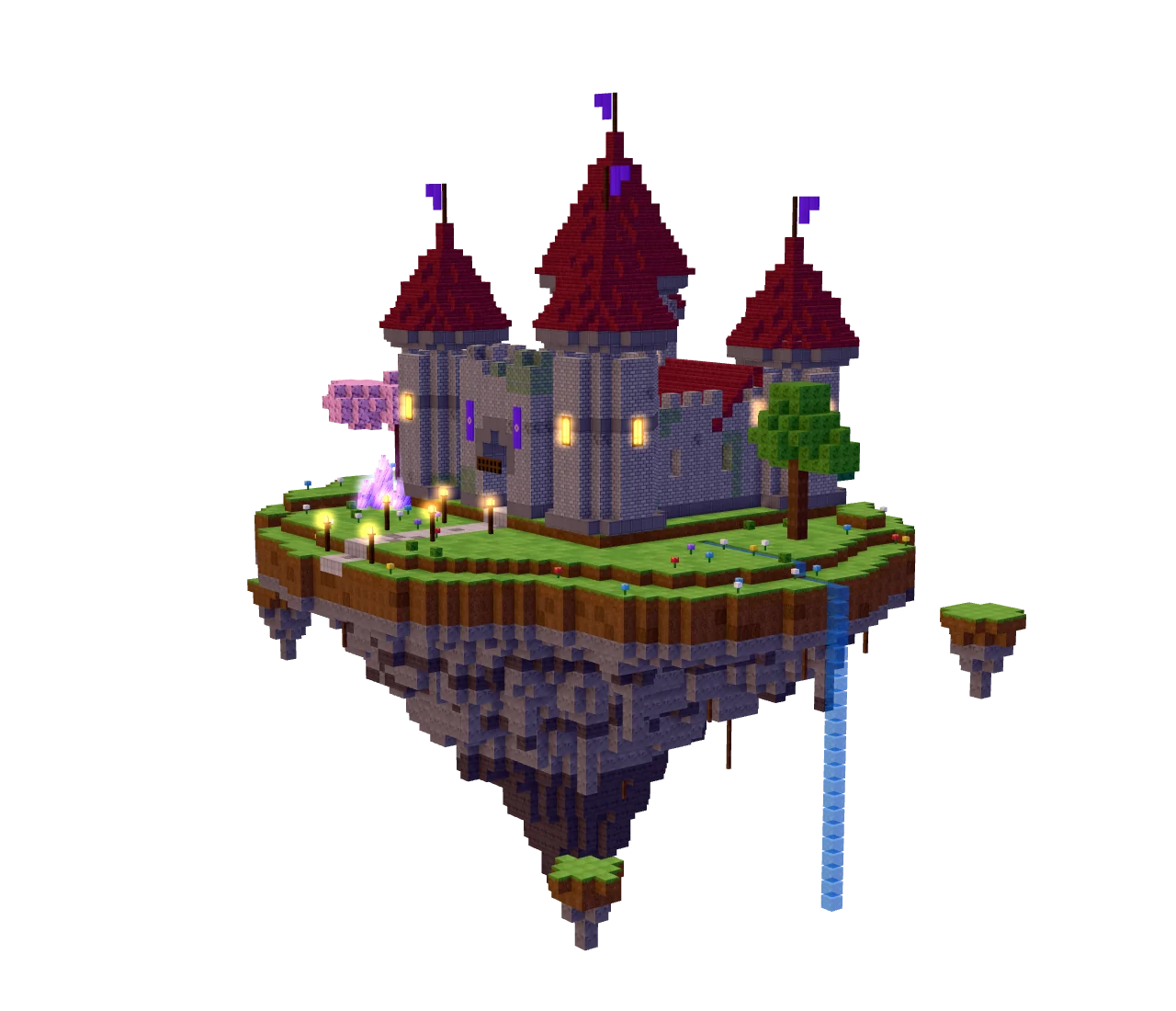
Illustrative 3D scene, generated in your browser.
How it works
The panel opens over the game, which keeps running behind it.
In your own language, as precise or as vague as you like.
The steps stream live while you keep playing. Not what you wanted? Undo it in one click.
See a sentence become a build, inside Minecraft.
The two portals: a normal world, a few requests. The castle, the pagoda and the villa: a flat world, an earlier version of the mod; their durations include the AI’s thinking time.
Pick a spot to see the sentence, the size and the build.
How the AI builds
At the Masterpiece level the AI follows ten steps, as on a real building site, then proofreads its own work before answering.
Three levels: Quick, Detailed and Masterpiece (the default).
Story, silhouette, materials, colours.
Surveys the terrain, levels the ground.
Foundations, floors, walls, towers.
Never a blank wall.
Aged stone, moss, cracks.
Never a bare pyramid.
Nothing dark enough to spawn monsters.
Rooms, stairs, furniture, doors.
Paths, gardens, trees, props.
Compares the result with its plan, fixes flaws.
Languages, undo and safeguards
The panel, commands and templates exist in English, French, Spanish and German. The AI answers in the language of your request.
Every request is an undoable build, chest contents included.
The mod opens a small server on your machine only (127.0.0.1, random port, secret token), and no port on a Minecraft server.
At most 100,000 blocks per build and 384 blocks around you, and nothing is changed if a build is refused. In your own world the AI is your operator: it can run any command and place any block, and what a command changes cannot be undone. On a server it has only your own rights.
Claude Code is Anthropic’s command-line app. CRAFT AI starts it for you.
https://claude.com/claude-codeOpen a terminal, run claude, then type /login and choose your Claude subscription. Or, once the mod is installed, click “Sign in to Claude” in its panel.
claude/loginThe welcome screen of the panel says what CRAFT AI found, for example “Claude detected · Max subscription”, and what is missing.
CRAFT AI ignores an ANTHROPIC_API_KEY variable so that your subscription is the one used, and never sees or stores your Claude credentials.
Install
The beta works in singleplayer and on multiplayer servers, from your own computer: nothing is installed on the server. It needs your own Claude Pro or Max subscription.
New here? Follow the guide: install, Claude sign-in, first build. Open the guide
Minecraft Java Edition 26.3
Minecraft is now numbered by year: 26 means 2026, so there is no 1.26. Only 26.3 and its fixes (26.3.1 and so on) work, not 1.21.x, 26.1 or 26.2.
Latest version 0.13.3 (beta), released 11 October 2026.
MINECRAFT
What you need
Official Minecraft Launcher: pick Fabric, Forge or NeoForge below, run its installer, then start the game once with the new profile.
Prism, Modrinth App, CurseForge: pick Minecraft 26.3 and your loader when you create the instance. Lunar Client: choose Fabric; we have not checked it with Forge or NeoForge.
Download the installer for 26.3, run it and choose “Install client” (open the launcher once first).
Forge installer ↗Download the installer for 26.3, run it and choose “Install client” (open the launcher once first).
NeoForge installer ↗One CRAFT AI file, the same for Fabric, Forge and NeoForge.
CRAFT AI is free: no account, no licence key, nothing to pay. You only need your own Claude Pro or Max subscription (billed separately by Anthropic).
With Fabric only, also download Fabric API: the newest file whose name ends with +26.3.
Fabric API (Fabric only) ↗Forge and NeoForge need nothing else.
SHA-256: e0ac19ccca60ce45e8bfd9fb913ad0a4e3b4a22a159fb3ed9112a707f35ad605
The CRAFT AI .jar goes in the mods folder of your Fabric, Forge or NeoForge profile; with Fabric, add the Fabric API .jar.
No mods folder yet? Start the game once with that profile: Forge and NeoForge create the folder on that first launch, and the Fabric installer creates it. Still missing? Create it in the game folder.
Keep only the newest craftai-*.jar: remove any older one.
~/Library/Application Support/minecraft/mods%appdata%\.minecraft\mods~/.minecraft/mods~/.lunarclient/profiles/26/mods/fabric-26.3The Lunar Client folder is the Fabric one, checked on a Mac. Prism, Modrinth App and CurseForge keep one folder per instance: open that instance’s mods folder from the launcher.
Start Minecraft 26.3 with your Fabric, Forge or NeoForge profile, open a world (singleplayer, or a multiplayer server where you can use /fill and /setblock) and press K.
When a new version is out, the panel tells you and one click installs it (tried with Fabric, Forge and NeoForge by automated runs on a Mac).
opens the CRAFT AI panel (rebindable in Options → Controls).
Only Minecraft: Java Edition 26.3 and its fixes (26.3.1 and so on), with Fabric, Forge or NeoForge; 1.21.x, 26.1 and 26.2 will not load, and there is no 1.26. Bedrock Edition is not supported.
You install CRAFT AI in four steps: set up Minecraft 26.3 with Fabric (fabricmc.net), Forge (files.minecraftforge.net) or NeoForge (neoforged.net); put the CRAFT AI .jar in the profile’s mods folder (with Fabric, add Fabric API too); install Claude Code and sign in with your Claude Pro or Max account; start the game with that profile and press K.
CRAFT AI works by starting a small local server on your machine and launching your own Claude Code, which builds in your world by calling 20 tools that run inside the game. Your requests and builds never go through a CRAFT AI server: the mod only contacts this website, to check for updates and, once, to download the speech model.
CRAFT AI is free, with no account and no key, but it needs your own Claude Pro or Max subscription (Team and Enterprise work too), billed separately by Anthropic: the free plan does not include Claude Code. Claude Code must be installed and signed in; the mod looks for it by itself and says what is missing. No API key is used: an ANTHROPIC_API_KEY variable is ignored.
How long depends on the level you choose: a Quick build is much shorter than a Masterpiece, which takes 5 to 20 minutes (a 34,738-block castle took 15 minutes). The time goes into the AI’s thinking, not into placing blocks. You can keep playing, or stop with /stop. The mod promises no number of minutes.
Yes: one click on Undo (or /undo) restores the exact blocks from before, chest contents included. The journal keeps up to 400,000 blocks per dimension.
Yes: in your own world CRAFT AI acts as your operator, so it can run any game command and place any block. Back up worlds that matter. A build can be undone; what a command changes cannot always be undone. Each build is limited to 100,000 blocks and to 384 blocks around you.
Yes, in beta. CRAFT AI runs only on your own computer, and nothing is installed on the server. It builds by sending /fill and /setblock commands under your own permissions. Operators build fast; other players go at about one command per second. Undo does not restore the contents of chests, there is no locate tool, and the AI only sees the chunks loaded around you. It has not been tried on a real dedicated server yet.
Your worlds, requests and builds are not sent to us, and the mod sends us nothing about you. Your own Claude Code sends Anthropic what you ask and what the AI reads in the game (for example your position, the blocks around you and your player name), under the terms of your Claude account. The download counter keeps only a one-way hash of a random identifier, the download dates and the version. An IP address is used only to limit abuse and kept 15 minutes at most. The website only measures, anonymously, which pages are read (no ad trackers, no cookies), and you can switch that off. The privacy policy has the details.
Yes, in two ways: say “here” or “over there” while you look at the spot, or mark a zone with /zone wand (left-click one corner, right-click the opposite one). The AI builds only inside that zone and the game refuses everything outside it.
Yes for Fabric, Forge and NeoForge: one CRAFT AI .jar runs on all three, and people have played and tested it on macOS, Windows and Linux. Forge and NeoForge are new in this version; the real game also ran with them in automated runs on a Mac. The official launcher, Prism, the Modrinth app and CurseForge should work wherever they offer the loader for 26.3; with Lunar Client, choose Fabric (we have not checked it with Forge or NeoForge). Quilt loads Fabric mods and should work, but we have not tested it. Bedrock Edition is not supported either.
Yes. Hold V in the game, or click the microphone in the panel, say what you want to build and let go: your words are turned into text on your own computer and sent as your request. The first time, the mod downloads a speech model, once: 60 MB, or 190 MB for the more accurate one, which a Mac uses by default. Windows and Linux use the quicker standard model by default; in Settings > Voice quality you can choose Auto, Accurate or Standard. With Forge and NeoForge, dictation has not been tried with a real microphone yet.
CRAFT AI checks a small signed file on this website and installs a new version only when you click. The mod tells you when one exists; one click in Settings downloads it, checks it and installs it, and you restart Minecraft. Only versions signed with the owner’s private key are accepted. This automatic install was tried with Fabric, Forge and NeoForge by automated runs on a Mac.